Android Devices
Chrome is the primary browser to use on Android. If the mobile lobby doesn't render correctly, check that Chrome is updated to its most recent version in the Play Store.
baji99 works through your mobile browser right now — no waiting on an app store, no file to download. Pull up your account, check your NFL parlay, and browse the lobby from wherever you are, as long as access is permitted under your state's…

mobile access is built on standard browser technology, which means compatibility is broad without requiring you to track down a specific OS version. That said, a few checkpoints help confirm you're on a supported setup before you sit down for a live session.
Chrome is the primary browser to use on Android. If the mobile lobby doesn't render correctly, check that Chrome is updated to its most recent version in the Play Store.
Safari on iOS handles the full lobby including live dealer streams. Third-party iOS browsers may have restricted WebRTC support, which can affect live table video quality.
The lobby adapts to portrait and landscape orientations. For live dealer tables like Live Dealer Roulette, landscape gives you a wider chip tray and dealer view.
You need a verified baji99 account to access any real-money section. Identity verification is completed once during account setup, not on every device.
Visit baji99 on your device and watch whether the lobby thumbnail grid loads within a few seconds. If it stalls, try clearing browser cache or switching to the recommended browser for your OS.
Enable fingerprint or face ID on a supported browser and your account opens in one tap. No password entry needed every session — just scan and you're in.
Allow browser notifications and baji99 will ping you when a live table goes live or a betslip result posts. Works on Chrome and Safari on supported devices.
The mobile layout respects your device's system dark mode setting. Late-night lobby browsing stays easy on your eyes without manually toggling anything.
The lobby thumbnail grid renders fast even on slower connections, so you can scout the Crash Multiplier Board or slot rooms before committing to a full table session.

Getting into your baji99 account on mobile doesn't involve an app store or any file. Here's the exact path. First, open your mobile browser — Chrome on Android or Safari on iPhone both work with the current site. Second, navigate to baji99 and let the page load fully; the layout will shift into a single-column mobile view automatically. Third, sign in using
your account credentials or use biometric login if you've already set that up. From that point your full account — betslip, wallet, live tables, slots — is right there. If your state's laws limit access, the site will indicate that at the sign-in step rather than after you've navigated deep into the lobby.
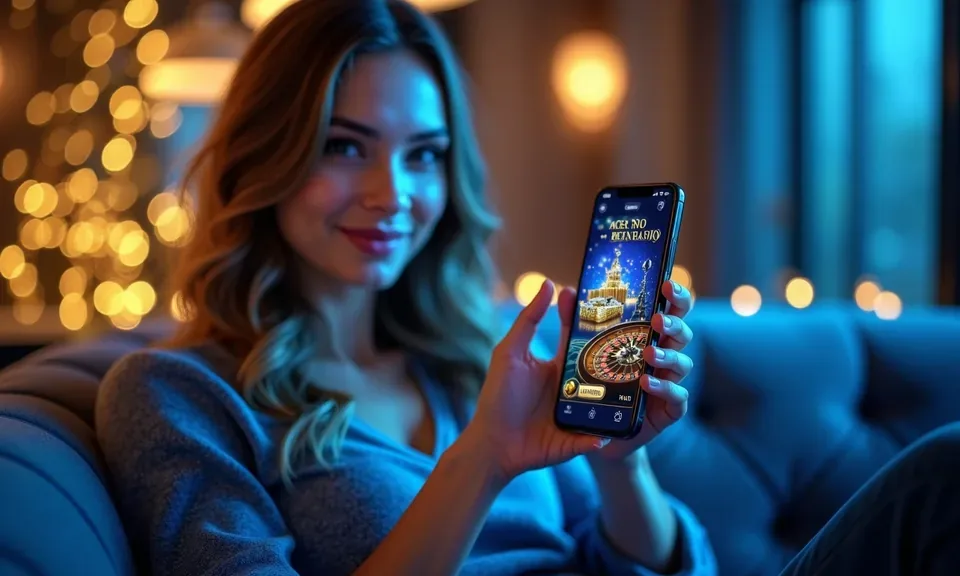
Open baji99 in your phone's browser and the full lobby snaps into a mobile layout automatically. From there, you can place a same-game parlay on Sunday's NFL slate, scroll through Atlantic Breeze Rush and Drive-In Ways in the slots section, or join a Live Dealer Roulette table mid-session. Quick deposit lets you fund your account without jumping out of the game view.
Push notifications — where your browser supports them — alert you when a live table opens or a betslip settles. Fingerprint login keeps your account session secure without typing a password every time you return.
Here are the questions we hear most from people checking out baji99 on mobile for the first time.
Service availability depends on eligible states and local law. US online casino and sportsbook access is licensed state by state, so check your state's rules before opening an account. 21+ where applicable.
Access may be available only in states where local law permits.